01
Dynamic Range segmentation
Reassigns byte ranges dynamically to keep every connection working.
动态重新分配字节区间,让每条连接持续工作。8 Range segmentsRebalanced live
 Swifty Download Manager
An Apple-native download manager with optimized HTTP Range segmentation, parallel connections, and persistent resume.
原生 Apple 平台下载工具,支持动态 HTTP Range 分段、多连接并行与可靠断点续传。
Built for the whole transfer
Split the file intelligently, keep every connection working, and resume interrupted transfers without throwing progress away.
Reassigns byte ranges dynamically to keep every connection working.
动态重新分配字节区间,让每条连接持续工作。Fetches independent ranges in parallel to use more available bandwidth.
并行获取独立区间,尽可能利用可用带宽。Illustrative comparison — actual speed depends on the server, network, file, and HTTP Range support.
示意对比——实际速度取决于服务器、网络、文件与 HTTP Range 支持。
Keeps progress on disk so interrupted downloads can continue.
将进度持久保存到磁盘,中断后可以继续下载。Available under FSL-1.1-MIT, transitioning to MIT after two years.
采用 FSL-1.1-MIT 许可,两年后转为 MIT。macOS Lock Screen
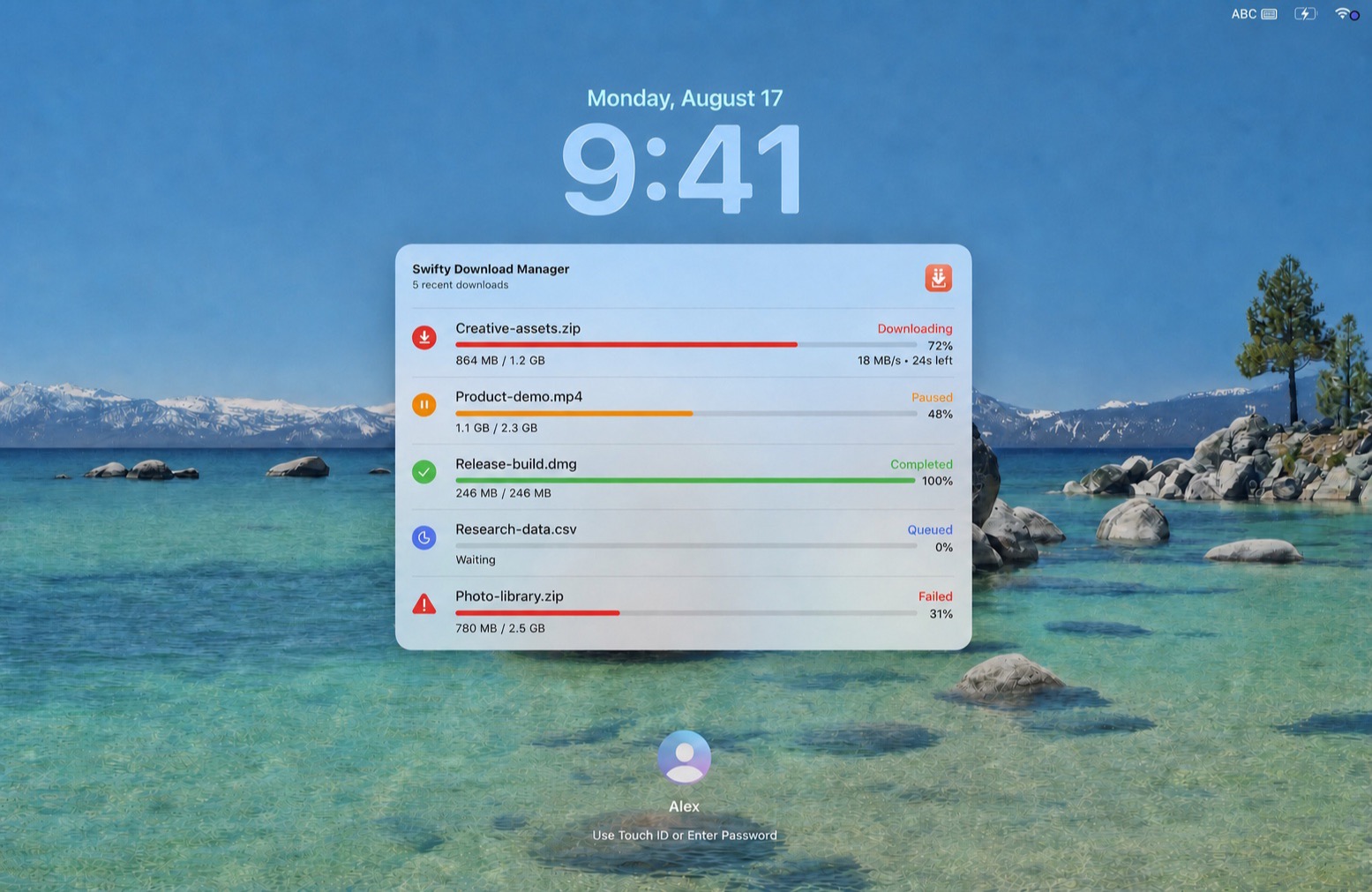
See recent downloads, live progress, transfer speed, time remaining, and task status without unlocking your Mac.
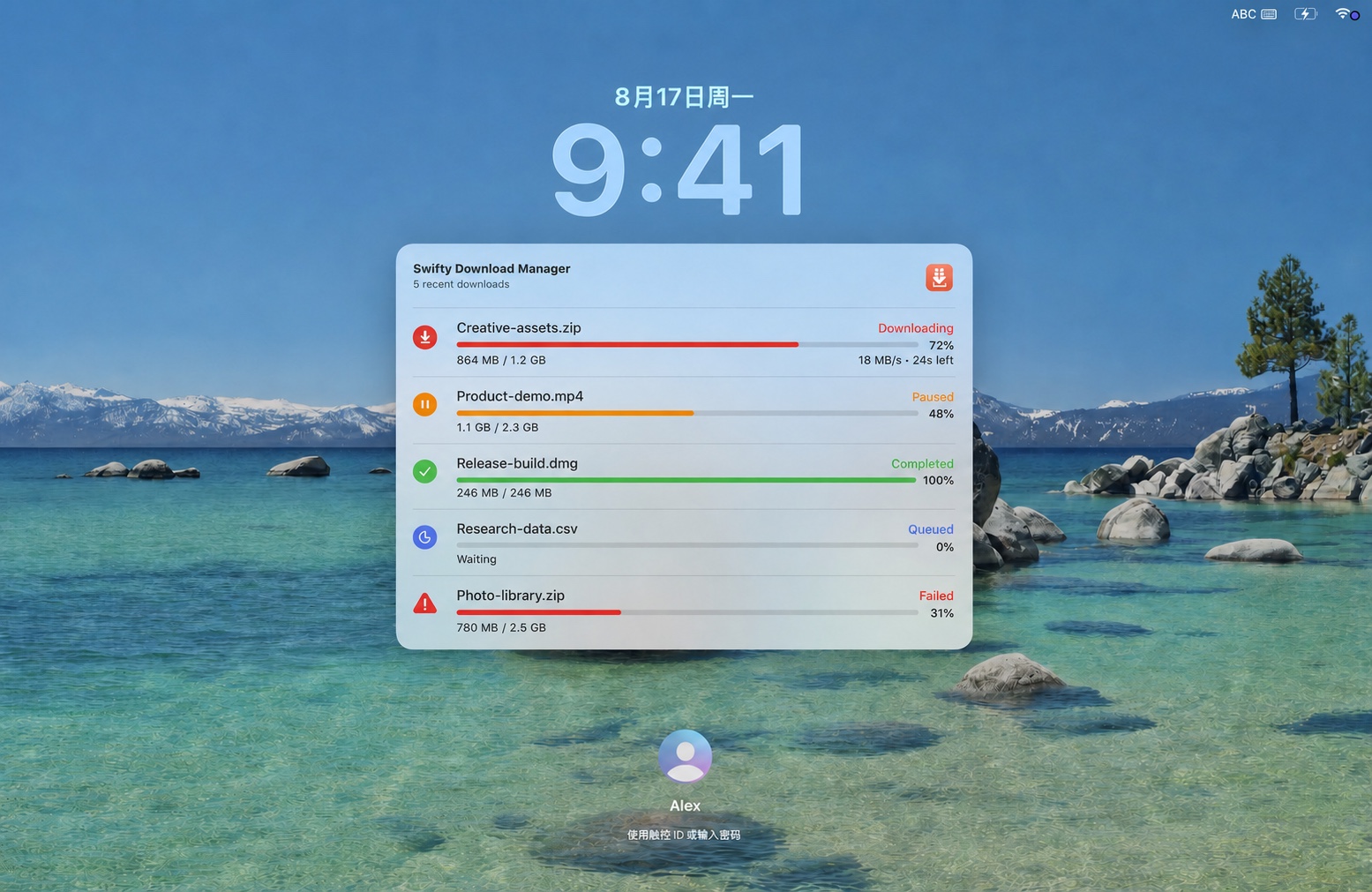
无需解锁 Mac,即可查看最近下载、实时进度、传输速度、剩余时间与任务状态。
Choose your route
Choose multi-connection libcurl for HTTP Range acceleration and granular resume control, or URLSession for system-native background transfers.
Optimized segmentation keeps Range connections working toward your available bandwidth.
For system-native background transfers.
Safari + Chrome
On macOS, extensions for Safari and Chrome recognize download links, eligible click-triggered downloads, and the Download with SDM context-menu action.
Ready when you are
Free to download · Source available · FSL-1.1-MIT · macOS 14+